

Verada AI - Web Push
As with many other modules in the Fanplayr platform, Verada AI offers the ability to enhance the Web Push Notification system to help you get more out of every message you send.
Notification Send-Time Intelligence
Getting a notification in front of a user at the right moment can be the difference between a click and a dismissal. Verada AI analyzes your historical push notification performance data to recommend the optimal day of the week and time of day to send your messages, taking the guesswork out of scheduling.
How to Use
From the Manual Notifications list screen, click the "AI Recommendation" button in the top-right corner. This will open the Verada AI recommendation window.
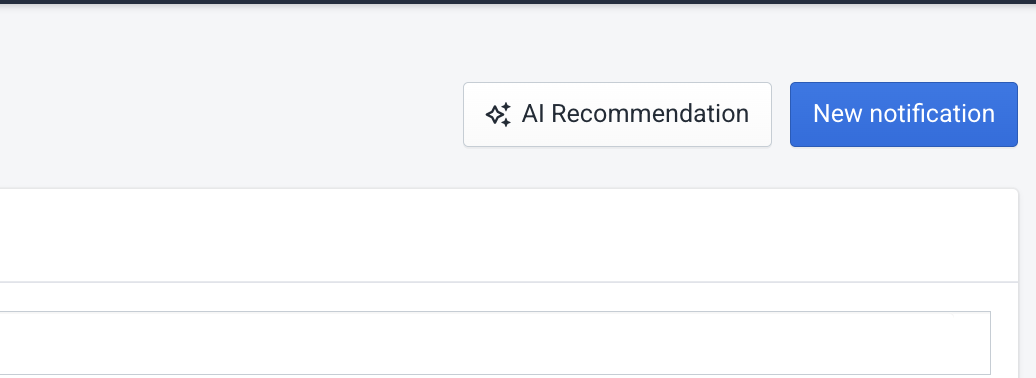 AI recommendation button
By default, Verada AI analyzes performance data across all of your domains. If you want to narrow the analysis to a specific domain, use the domain selector at the top of the window. Changing the selection will automatically re-run the analysis and return recommendations tailored to that domain's notification history.
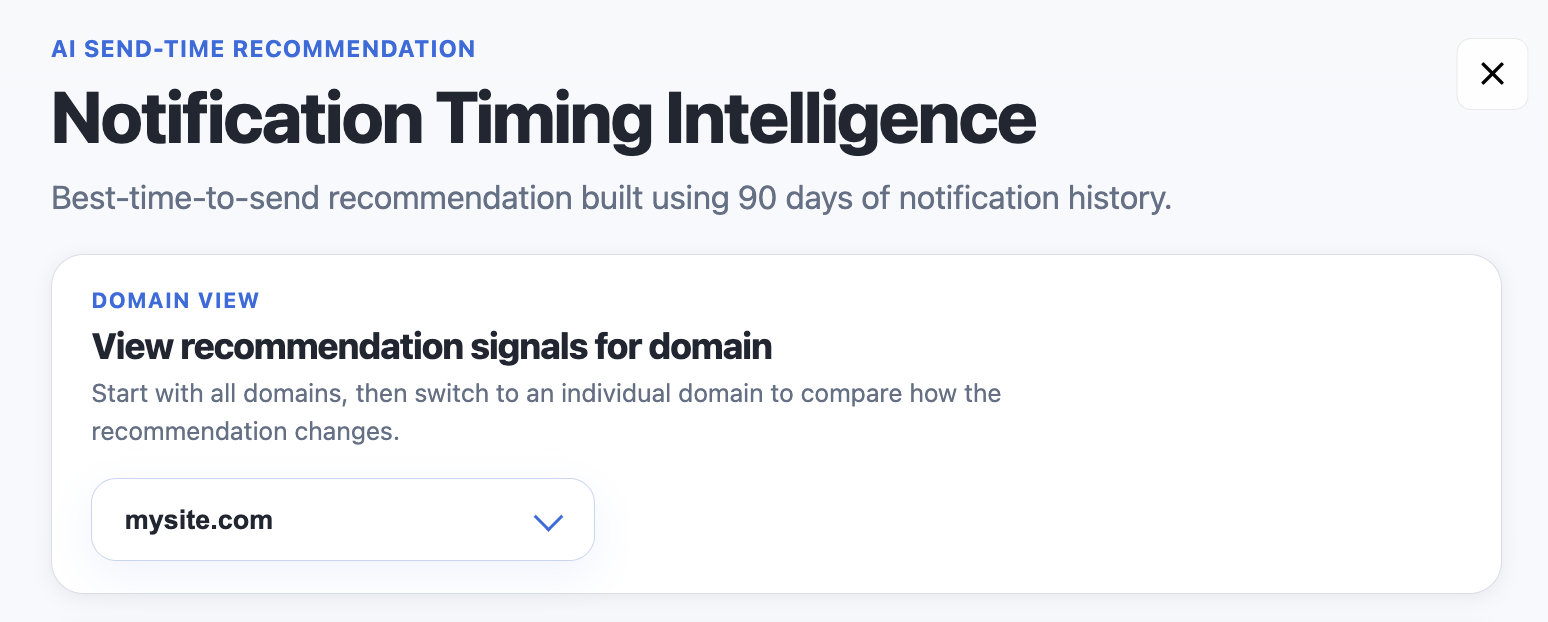 Header with domain selector
The Recommendation Window
The window is generally organized into four sections.
Overall AI Interpretation
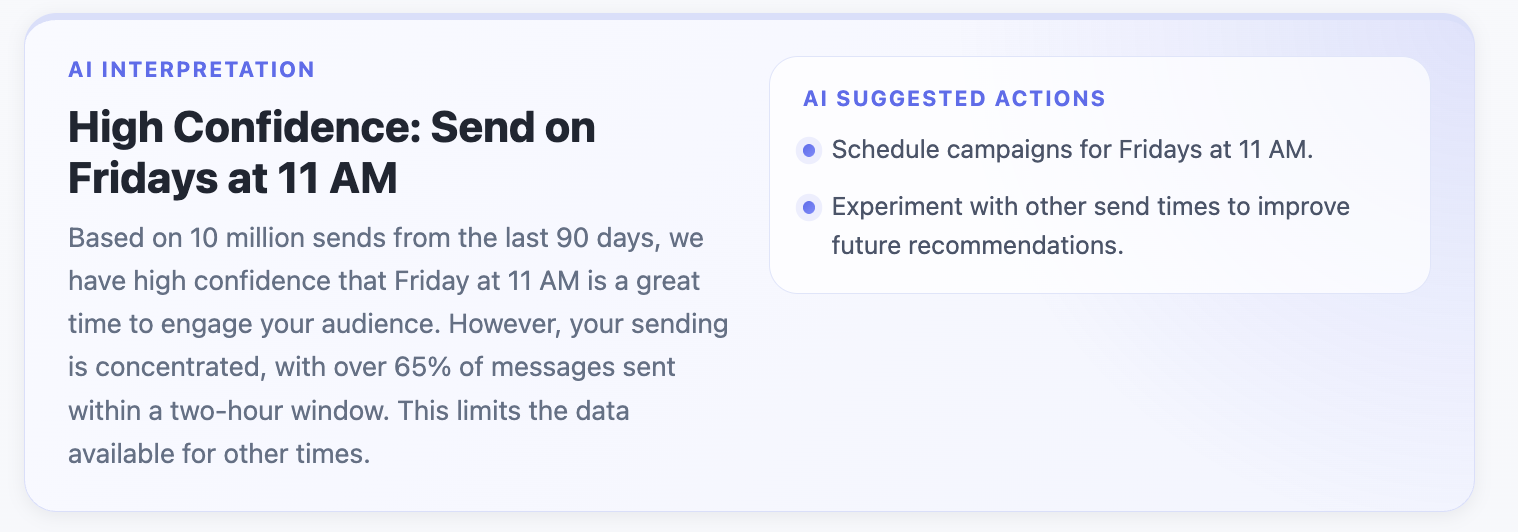 Overall determination
This is the headline result, a concise summary of what Verada AI recommends at a glance. When sufficient data is available, this section will display:
- Best Day of Week — the day your audience has historically been most responsive
- Best Time of Day — the time window associated with the strongest engagement
- Result Confidence — how sure the AI is of the result
If there isn't enough historical data to make a confident recommendation, this section will indicate that more data is needed before a reliable determination can be made.
Supporting Data
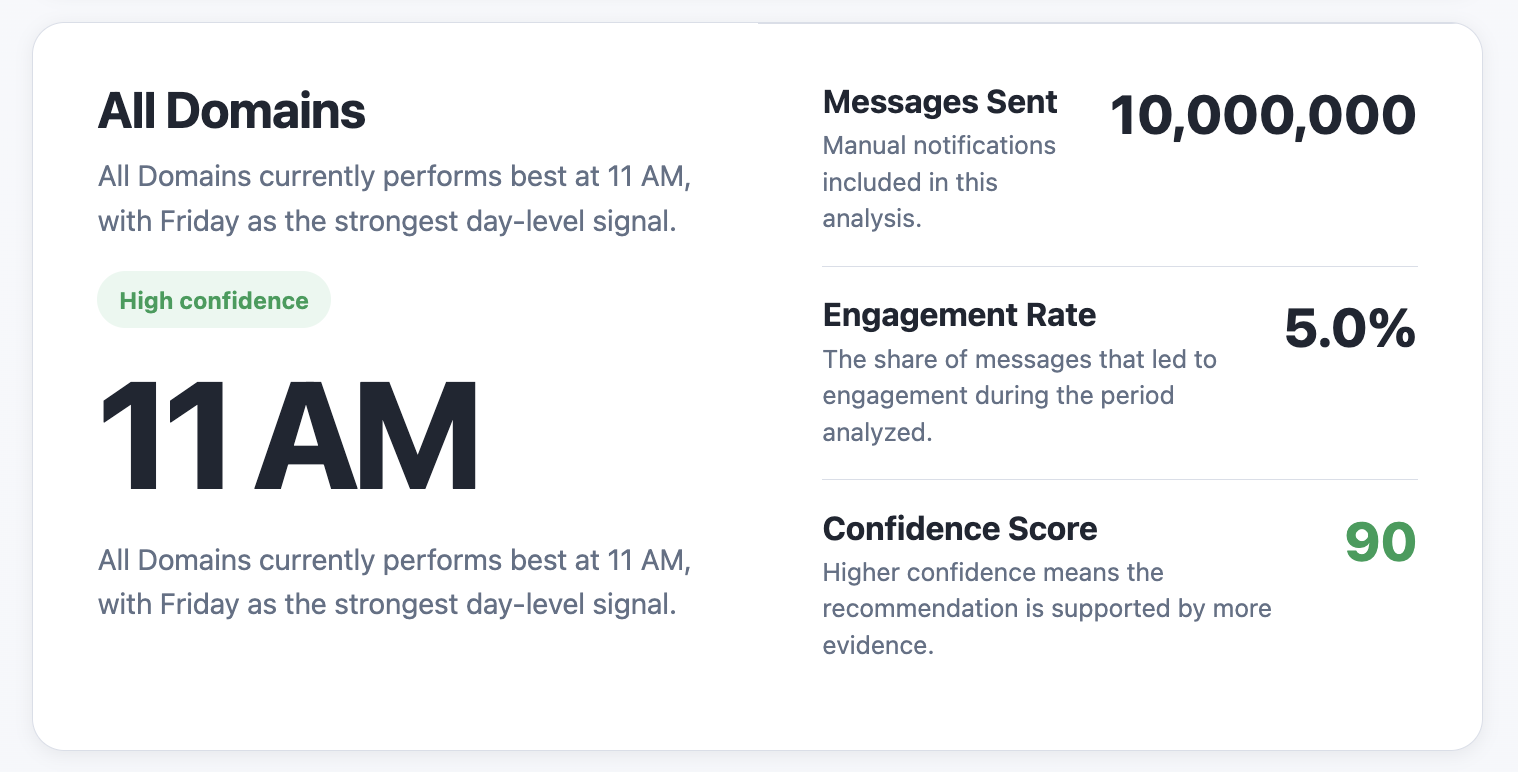 Supporting data
This section shows the underlying numbers that Verada AI used to arrive at its recommendation. You'll see some overall engagement metrics and then those applicable to the recommended send period. This is useful for validating the recommendation against your own intuition.
Testing Opportunities
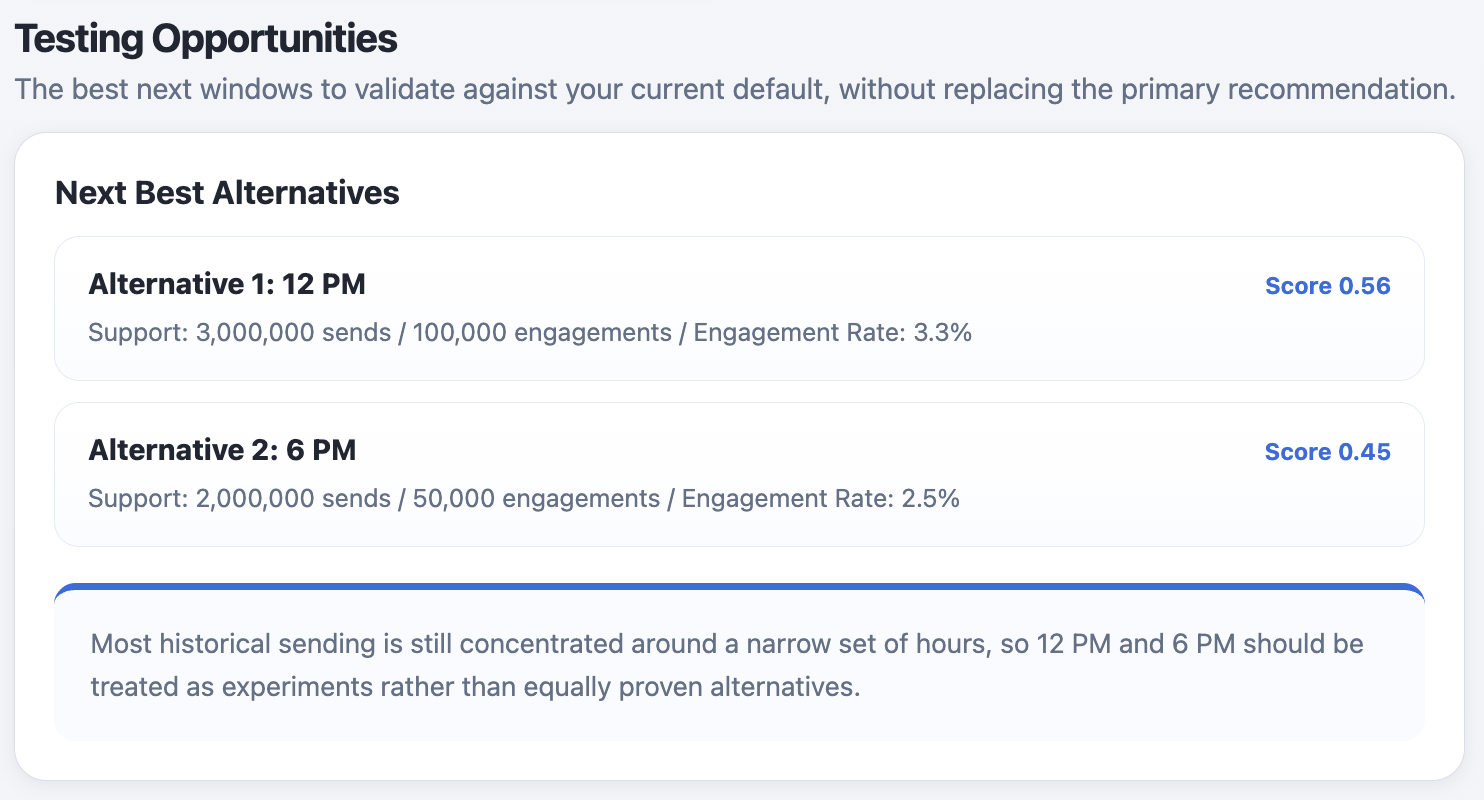 Testing opportunities
Verada AI doesn't just tell you the best option. It also surfaces the next best send windows you can experiment with, each accompanied by a score indicating how close they came to the top recommendation.
Note
This section may not always appear. Whether it is shown depends on the shape and distribution of your underlying data. If the data doesn't support meaningful runner-up candidates, this section will be omitted.
This is particularly useful for A/B testing strategies or when your primary recommended window isn't logistically feasible.
Summary
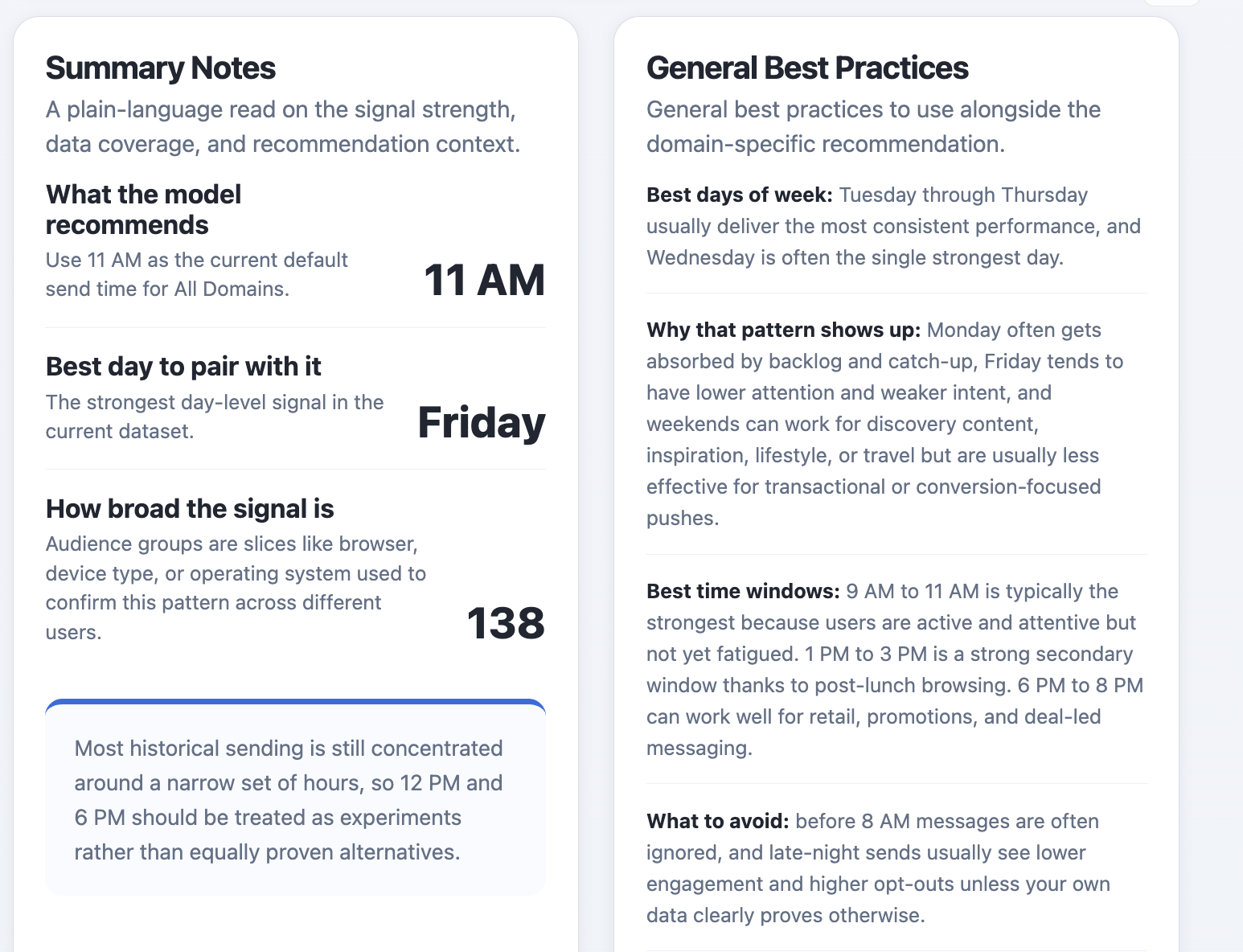 General summary
The final section recaps the key findings in plain language and includes a set of general best practices for planning and scheduling your push notifications. Think of this as a quick reference you can share with your team when aligning on a send strategy.
How It Works
Verada AI arrives at its recommendation by examining your notification history from several angles simultaneously, then combining those signals into a single, confidence-weighted result.
At a high level, the process works like this:
Historical aggregation — Past notification events are grouped and tallied across different time windows (e.g., Monday mornings, Tuesday evenings, etc.) to build a picture of when your audience has engaged most.
Performance scoring — Each time window is evaluated and given a score based on how strongly it correlates with positive outcomes. Windows with more data and more consistent results score higher.
Confidence estimation — Not all recommendations are created equal. Verada AI factors in how much data backs each result and signals clearly when a recommendation is well-supported versus when you should treat it as a starting point for experimentation.
Data quality checks — Before surfacing any recommendation, the system validates that there's enough reliable data to draw from. If the data is too sparse or inconsistent, it will say so rather than return a misleading result.
The goal is not simply to find the most common send time in your history. It's to identify the send window that has been most consistently effective, and to be transparent about how confident it is in that finding.
Tips for Getting the Most Out of Verada AI
- More data = better recommendations. The system performs best when you have a meaningful volume of past notifications to analyze. If you're just getting started, check back after you've built up some history.
- Try the alternatives. The Testing Alternatives section is designed for exactly that — testing. Use it to run structured experiments and feed more signal back into future recommendations.
- Use domain filtering strategically. If you manage multiple domains with different audiences, per-domain recommendations will almost always be more precise than the all-domains aggregate.